Zone Tools v1.1.2
Zone Tools Redux
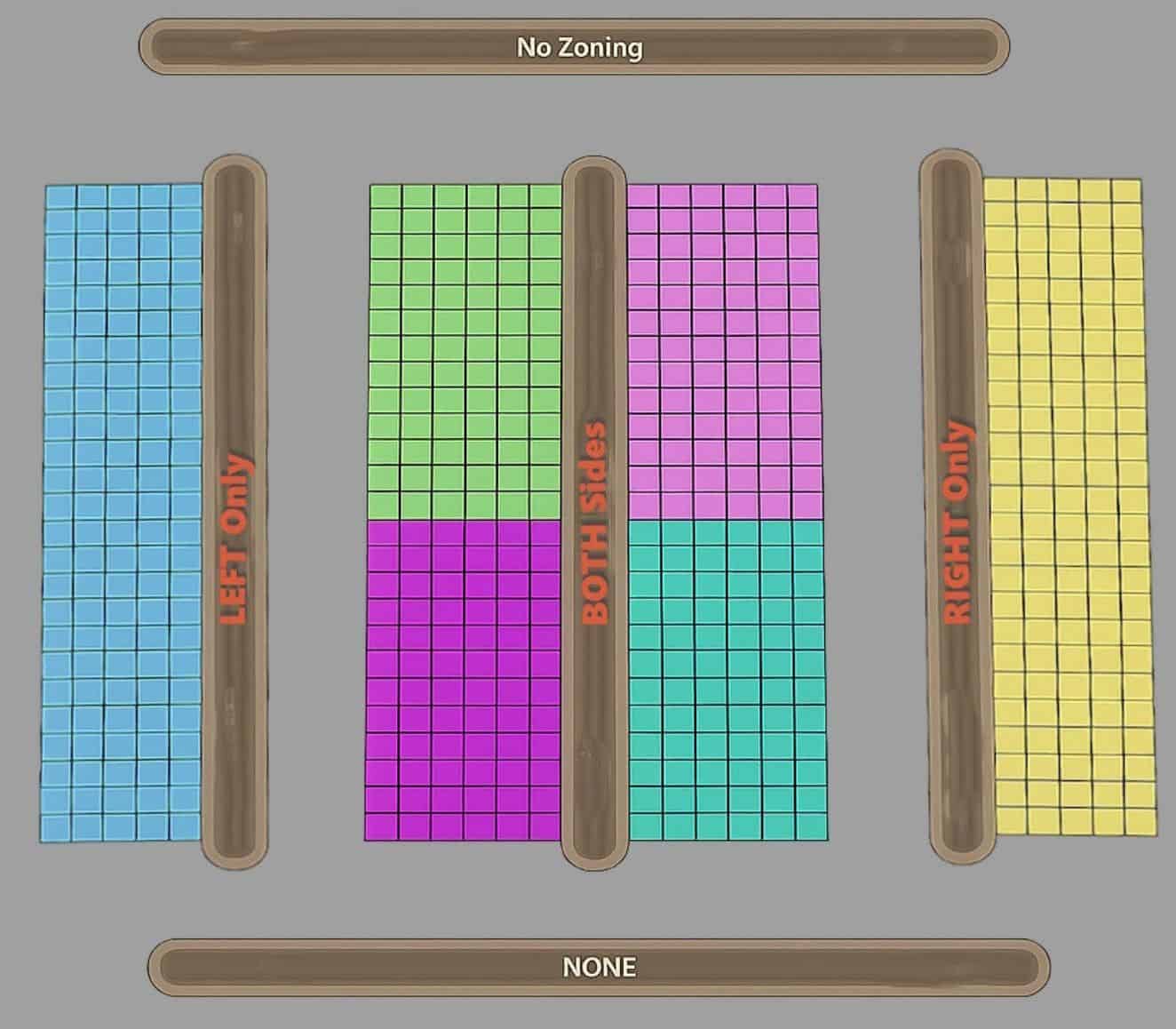
– Change zoning along new roads or update existing roads. Enable zoning road sides for both/left/right/none.
– Allows finer control of where buildings will spawn, as well as placing roads close together without overlapping/conflicting zones.
1.1.2
– update images
– Auto open toggle now also auto closes when road tool is closed.
New roads
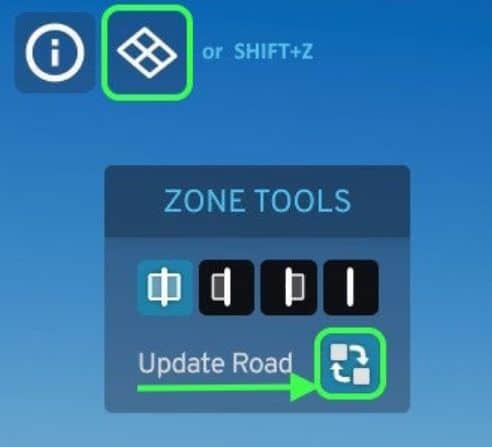
– Open zone panel by clicking the button (top-left) or hotkey (shift+Z)
– Pre-select both, left, right, or none.
– Draw a new road (note: vanilla has side depend on road draw direction).
Update Existing Roads (UER):
– Open the zoning panel (top-left button or hotkey)
– Enable the Update button (recycle icon).
– Select the side you want (both, left, right, none buttons).
– Left click on roads to update zoning (supports click-and-drag to update many roads).
– Left mouse applies the zone change. Select different icons to change.
– New: right mouse click will also cycle the 4-zone options.
– Done – Click Update icon again to turn off.
Power Trick: if you have existing roads and do not want a new road intersecting it to alter zoning, pick none, then draw the new road. Your existing road should keep zoning facing the same original direction you set.
Options
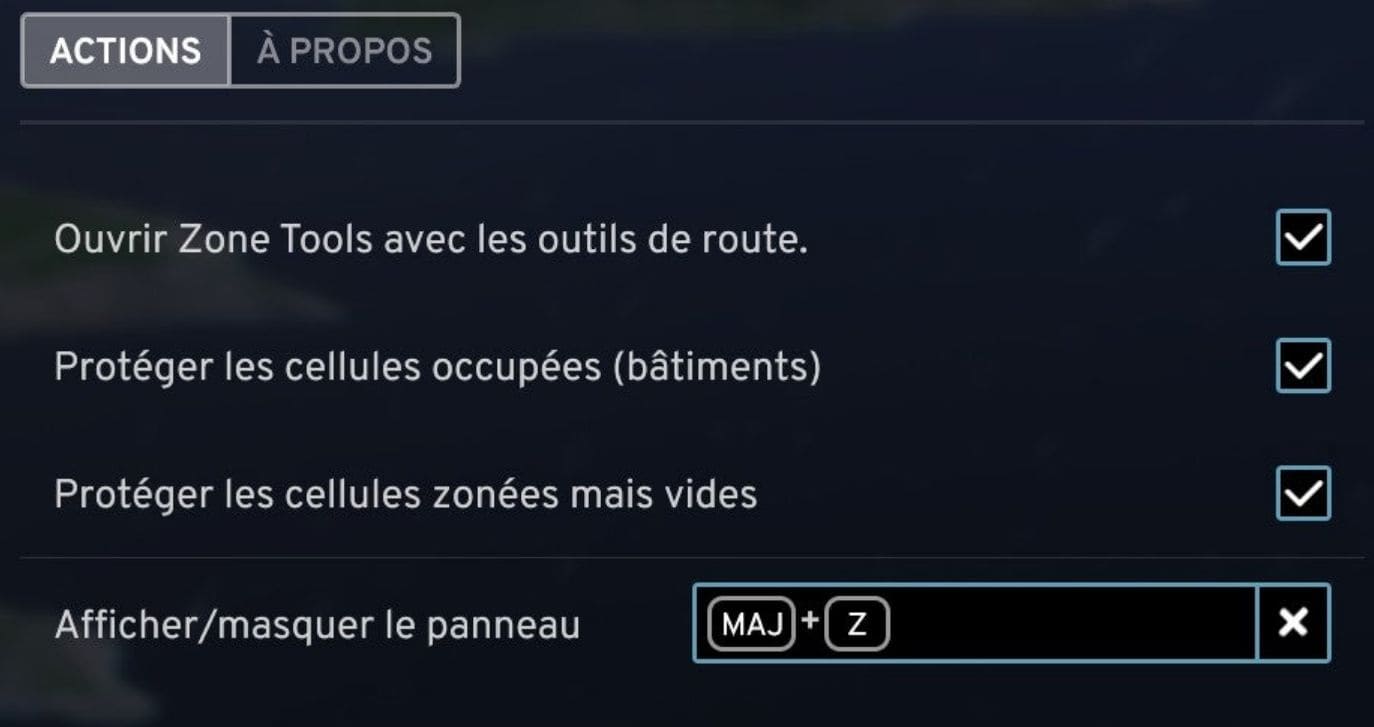
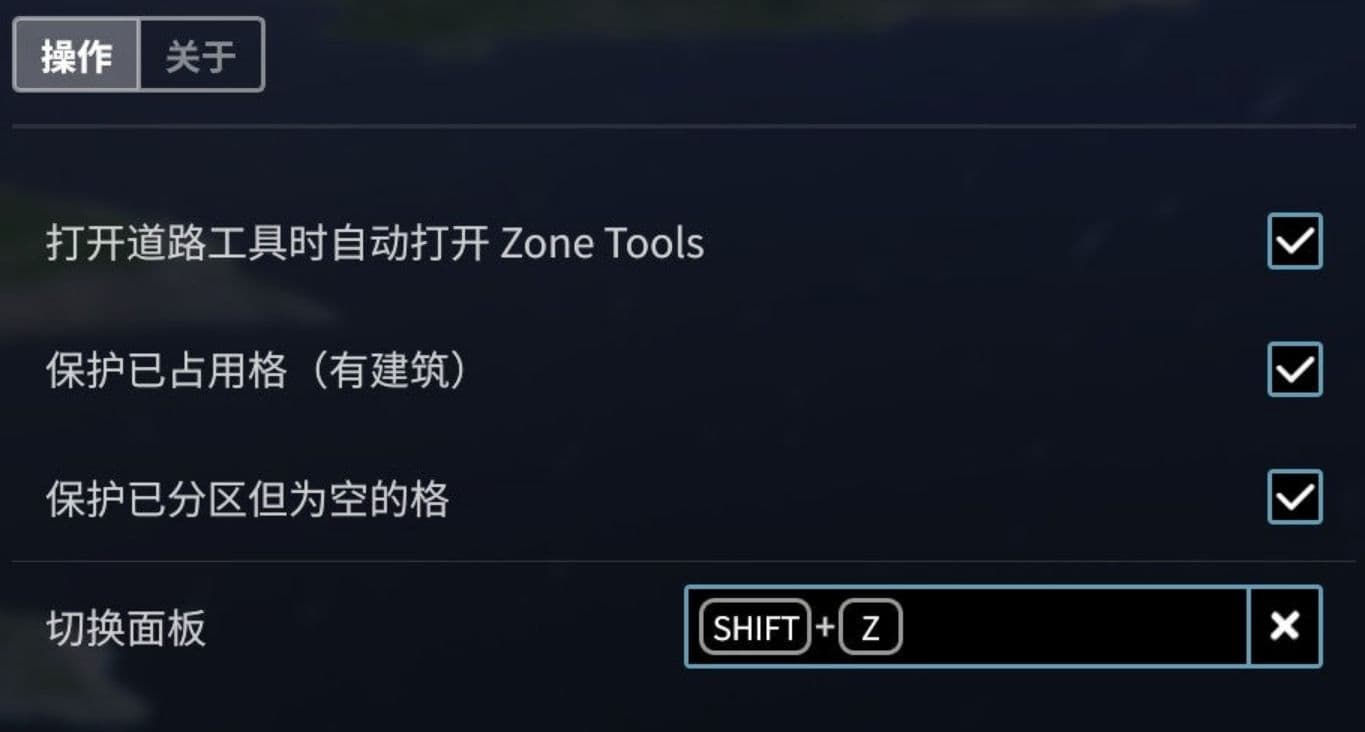
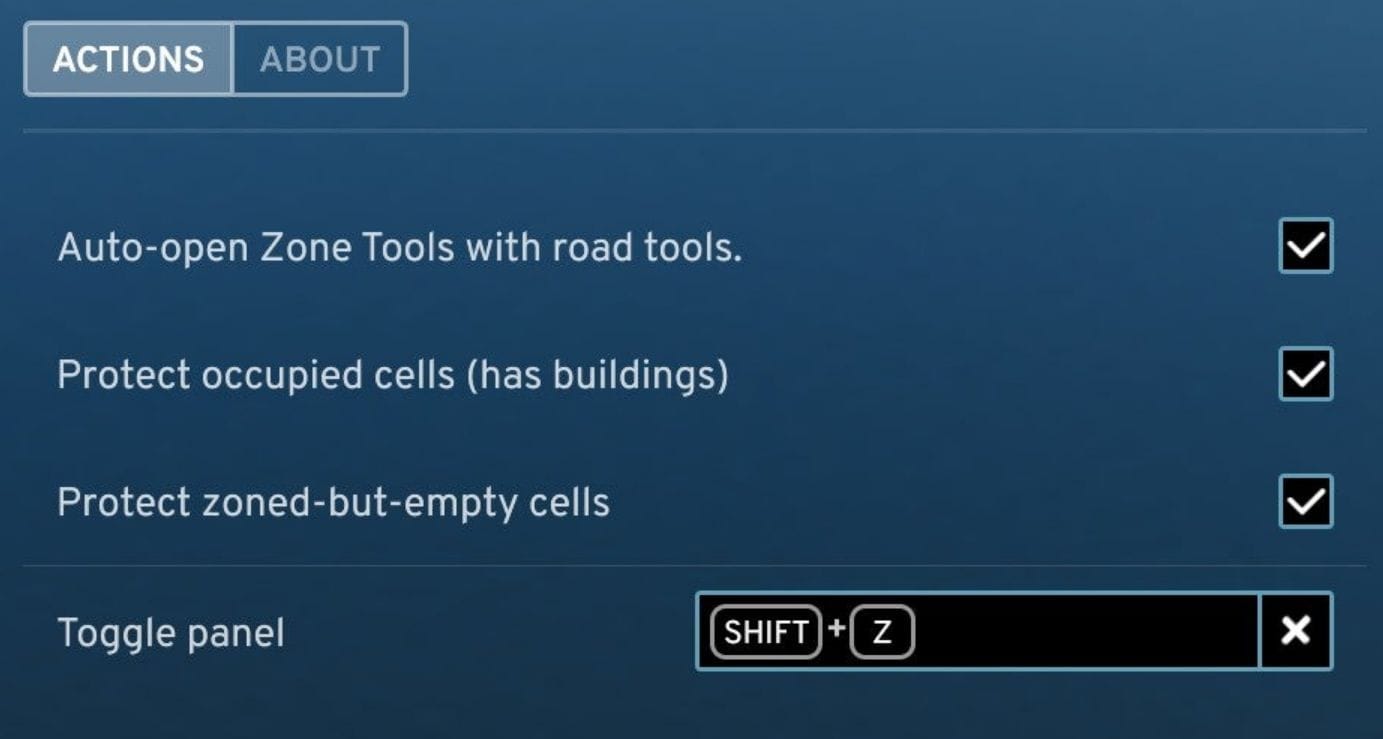
– Auto open/close Zone Tools when road tools opens.
– Protect occupied cells (buildings).
– Protect zoned-but-empty cells.
– SHIFT+ Z open panel shortcut.
Support and Feedback
– if the mod helped you give it a Like
– Feedback to Github link, or forum, or discord.
11 Languages
– English, Français French, Deutsch German, Español Spanish, Italiano Italian
– 한국어 Korean, 日本語 Japanese, 简体中文 Simplified Chinese
– 繁體中文 Traditional Chinese, Português Brasil, Polski Polish