Universal Zoning System (UZS) v1.9.2
This mod is in early testing phase. Please note:
– Not fully tested with all game scenarios
– May cause issues with existing savegames
– Backup your saves before using
– Use at your own risk
– Please report bugs on GitHub
This mod CANNOT be safely removed once you have buildings in Universal zones!
When you disable this mod, any buildings that were built in Universal zones will lose their zone assignment.
This will cause:
– Buildings to become “orphaned” without proper zoning
– Potential save corruption or errors
– Loss of buildings in Universal-zoned areas
To uninstall safely:
– Replace ALL Universal zones with standard NA or EU zones first
– Wait several in-game days for buildings to adapt
– Demolish any remaining Universal-zoned buildings
– Save your game and verify it loads correctly
– Only then disable the mod
Once you use this mod, consider it a permanent part of your save file.
What does this mod do?
The Universal Zoning System addresses a restriction in the base game where zoning is strictly segregated by “Theme” (North American vs. European). This segregation forces players to manually toggle themes or paint specific districts to achieve architectural variety.
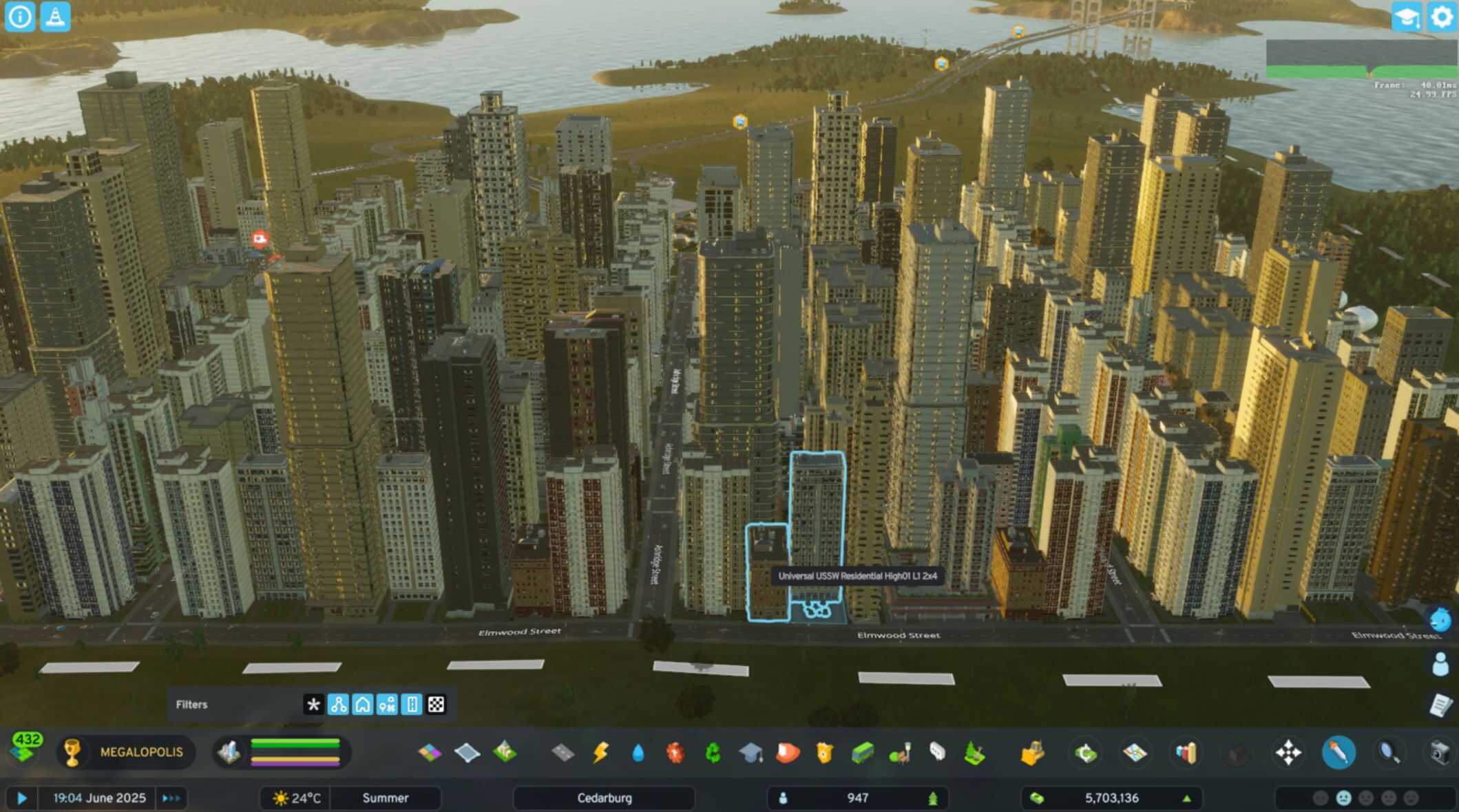
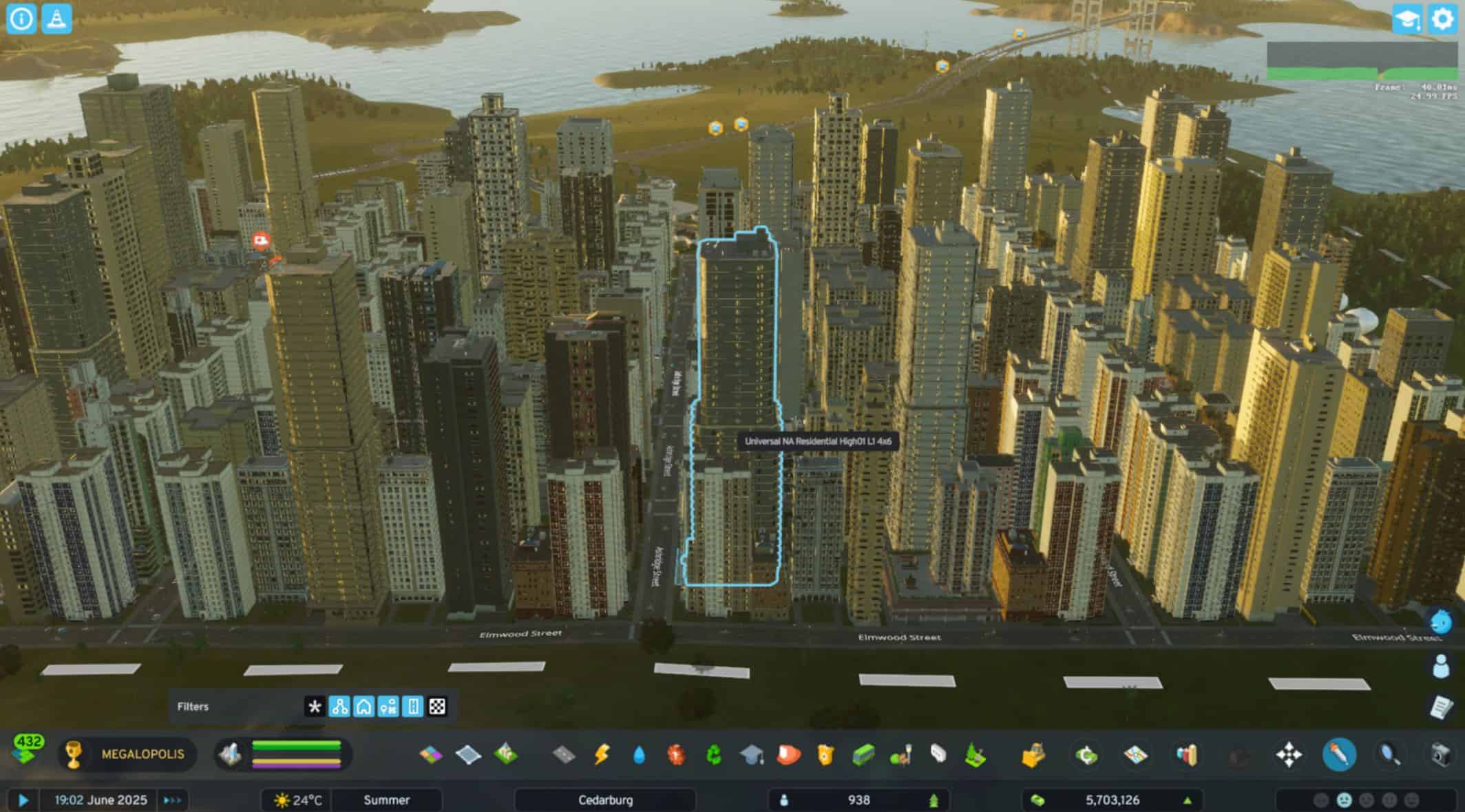
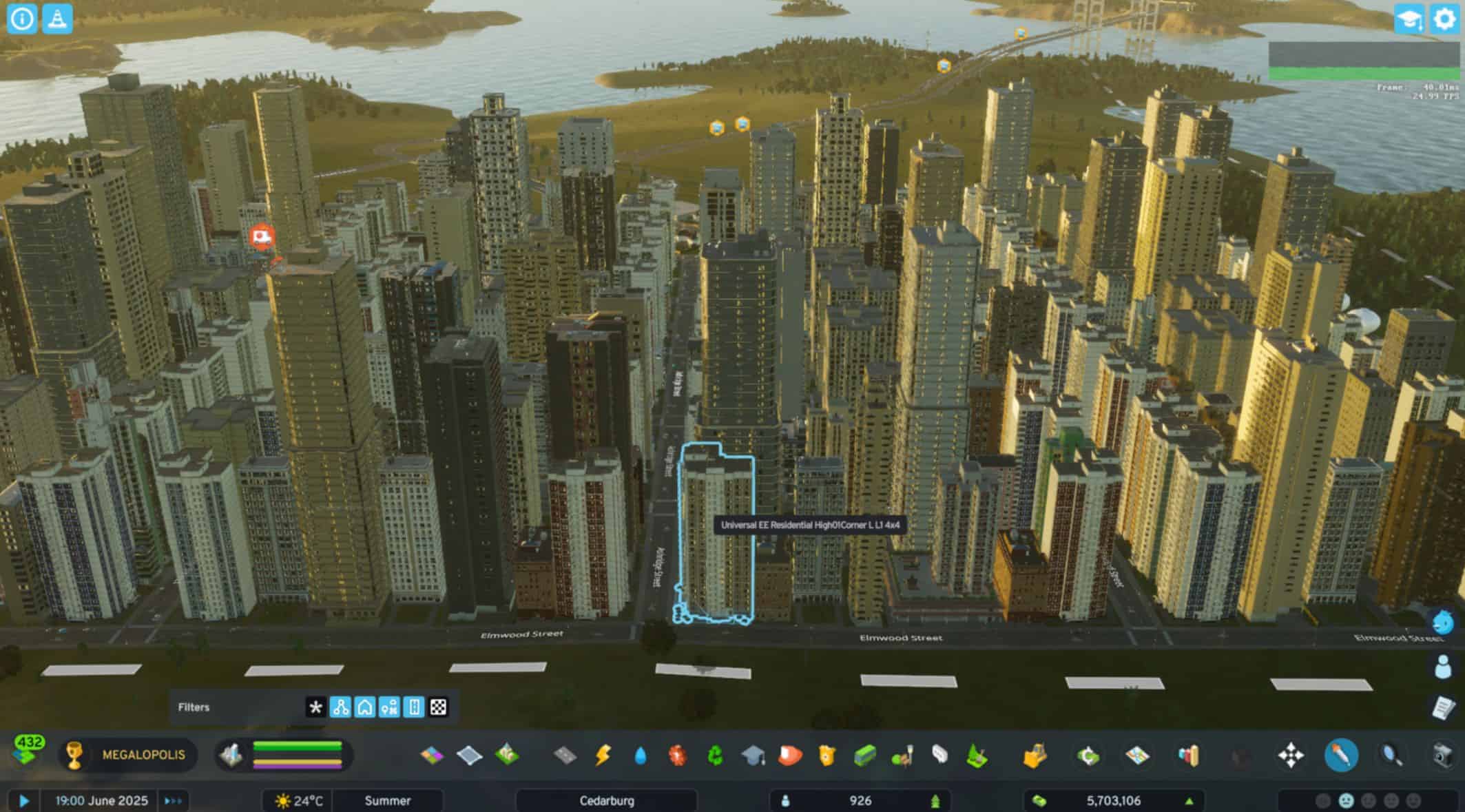
UZS creates a unified “Universal” zoning palette. When you zone “Universal Low Density Residential,” the game can randomly spawn a Victorian NA home next to a Modern EU cottage, creating organic diversity.
The mod automatically detects and integrates zoning types from:
– Base game themes (North American and European)
– Region packs (e.g., Beach Properties, Urban Promenades)
– All installed DLCs and content creator packs
– Custom zoning types added by other mods
Features
– 8 Universal Zone Types: New zones that accept both NA and EU buildings
– Automatic DLC Detection: Works with all region packs, DLCs, and custom content
– Zone Organizer Compatible: Works seamlessly with Zone Organizer by Mimonsi for enhanced zone management
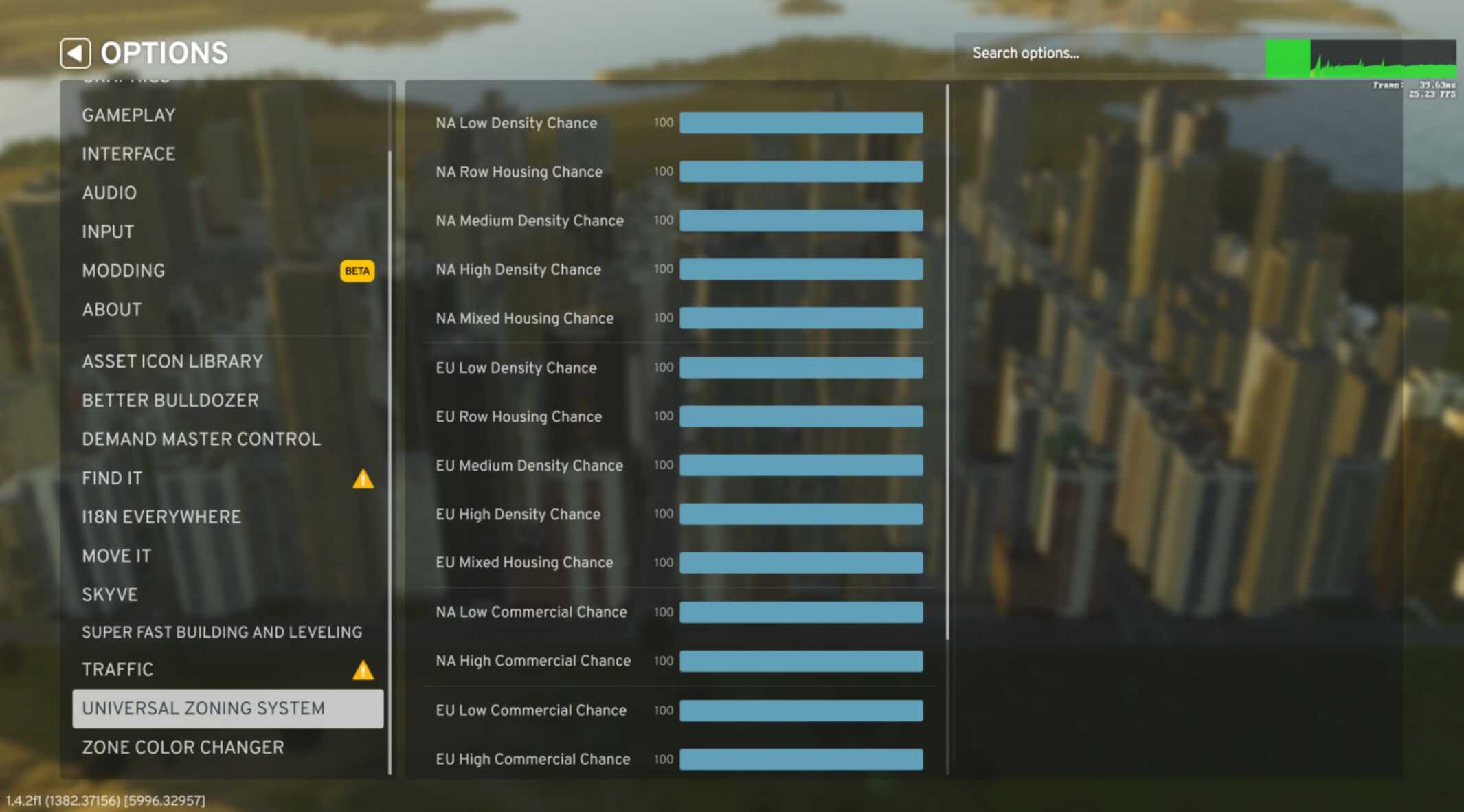
– Customizable Probabilities: Adjust spawn chances for different building types through mod settings
– No Theme Switching: Build mixed-style neighborhoods without constantly changing themes
– Seamless Integration: Works with existing saves and other mods
Available Universal Zones
– Universal Low Density Residential
– Universal Row Housing
– Universal Medium Density Residential
– Universal High Density Residential
– Universal Low Rent Housing
– Universal Mixed Housing
– Universal Low Density Commercial
– Universal High Density Commercial
Compatibility
– Works with Zone Organizer by Mimonsi – Fully compatible for enhanced zone management and organization
– Region Packs & DLCs – Automatically detects and integrates buildings from all installed content
Configuration
Open the mod settings to fine-tune the probability of different building styles appearing in your universal zones. Set any style to 0% to exclude it completely, or 100% for maximum variety!
How to Use
– Enable the mod in your mod manager
– Start or load a city
– Open the zoning tool
– Find the new “Universal” zones in your palette
– Zone as normal – mixed buildings will spawn automatically!
– Adjust probabilities in mod settings if desired
Known Issues
– Still in testing phase
– Potential compatibility issues with other zone mods
– May affect game performance in large cities
– Cannot be safely removed once buildings are placed in Universal zones