Irish Signs (WE-Module) v0.1
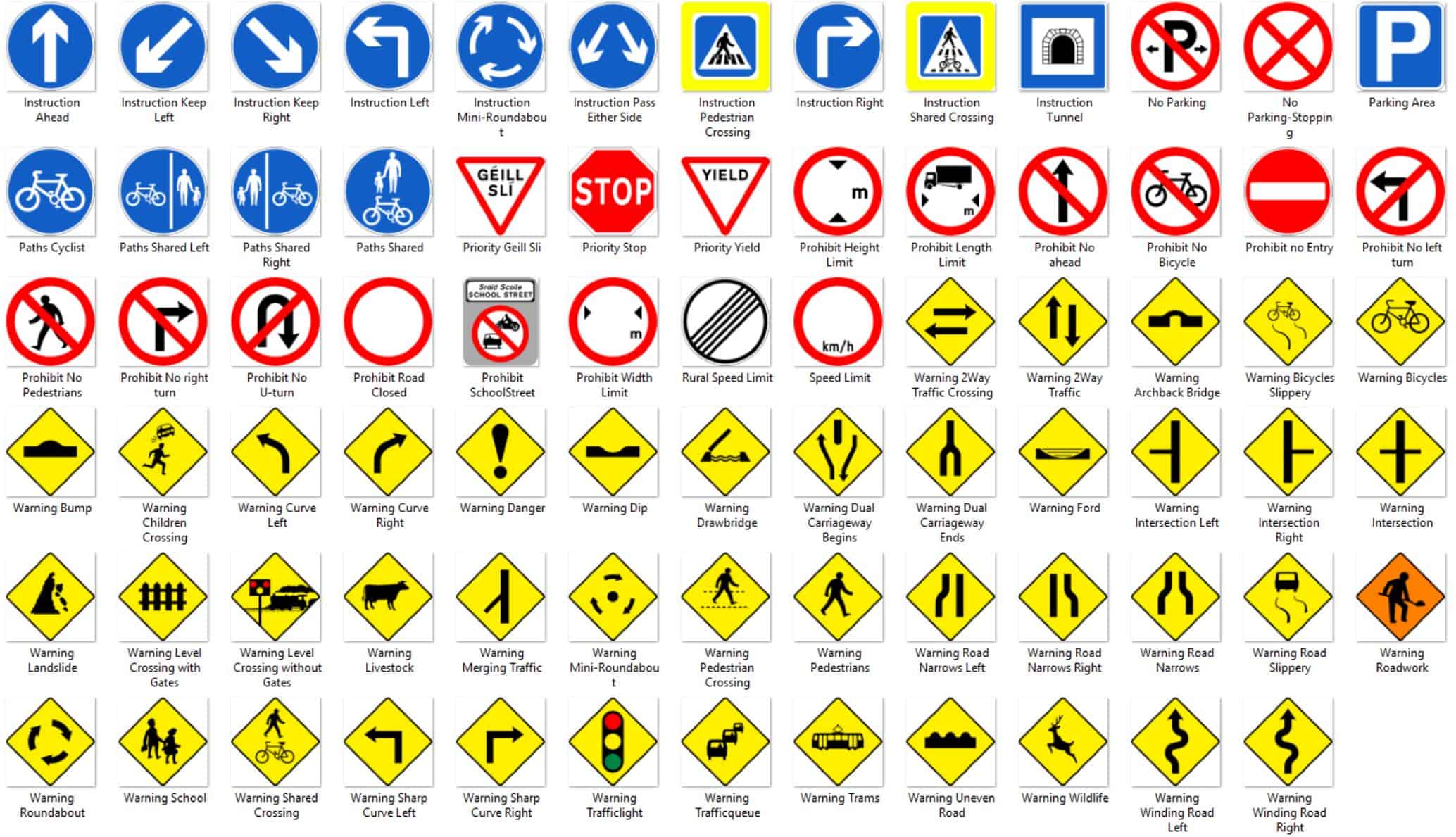
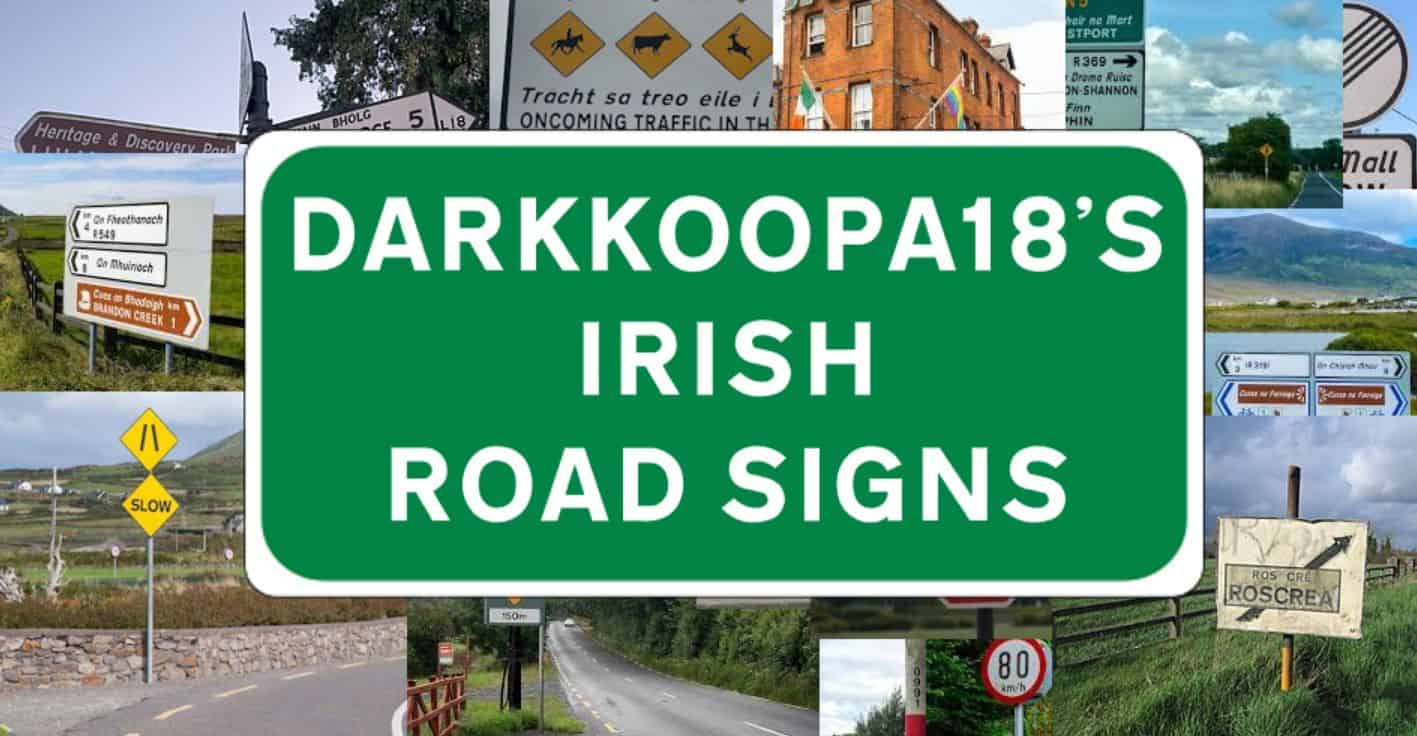
This is a Write Everywhere module that brings a collection of Irish traffic signs into your game.
Features
– Authentic Irish traffic signs with realistic layouts and colors
– Templates for easy import and customization
– currently ~150 images
Road Sign Types (currently available)
– Traffic Signs – Warning, prohibition, mandatory, and many more
Planned for future updates:
– Highway Signs
– Additional Traffic Signs and templates
Traffic Signs
– Includes many standard Irish traffic signs
– Many signs share prefabs (e.g. diamonds for warnings) → less clutter, more flexibility
– Combined signs (Will be featured later update’s)
– Customizable variables like:
– Distances
– Height/width restrictions
– Arrow directions
How to Use
– Install the Requirements needed for this mod.
– Place a matching road structure in-game.
– Open the Write Everywhere menu (Default: CTRL + Shift + W).
– Click on the structure you wanna edit.
– Click on Import layout from xml at root…
– Click on the puzzle-piece(Templates from mods)
– Search for the Irish Signs Mod.
– Choose the desired template and customize it.
Customize and Save Signs
– Select the root object → Save & Export as XML
– Templates can be reused in the same city or other saves.
– All templates are stored locally.
– These don’t need the step “Templates from mods”
Requirements
– Write Everywhere – required
– Highway Sign Structures – optional but strongly recommended
Fonts
This mod uses the Transport font for English text. For copyright reasons, fonts are not included in this mod and must be downloaded and installed manually.
How to install fonts
– Download the required fonts from the Links. (Fileformat needs to be .ttf)
– Go to your local CS:2 mods folder:
\Cities Skylines II\ModsData\Klyte45Mods\WriteEverywhere\fonts (if the fonts folder does not exist, create it manually)
– Place the .ttf files inside this folder.
– Start the game and load your city.
– Press the W Icon on the Top-Left. Go to City Fonts.
– Press the + Button and choose the .ttf.
Notes
– Inspired by the official Irish road sign system and Wikipedia
– Early Access – more content will be added step by step
– Performance impact is minimal (tested on mid-range systems)