Texture Unifier v0.1.26
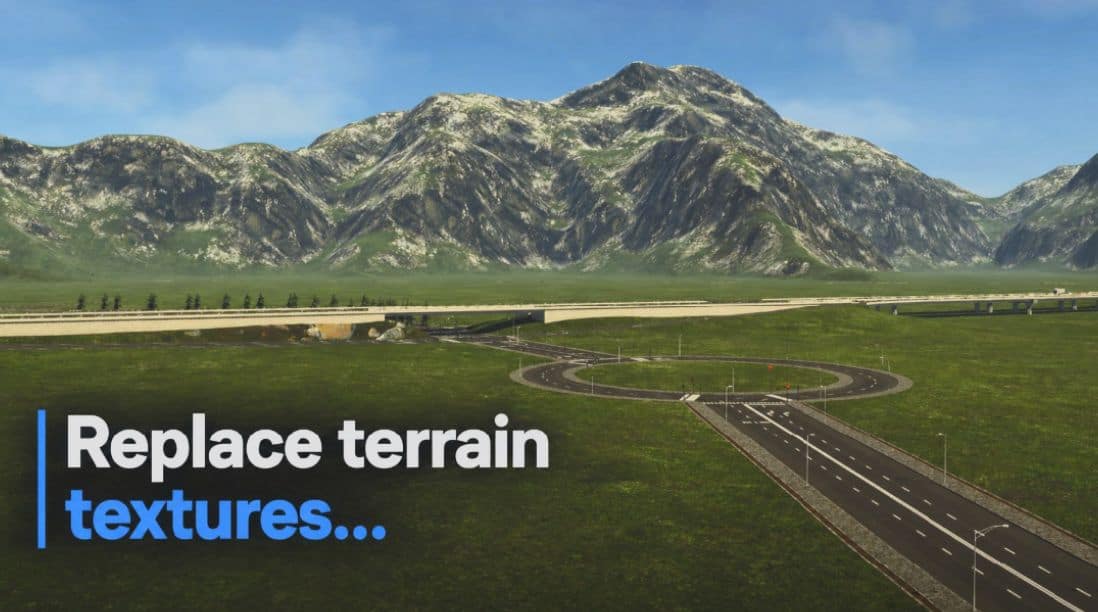
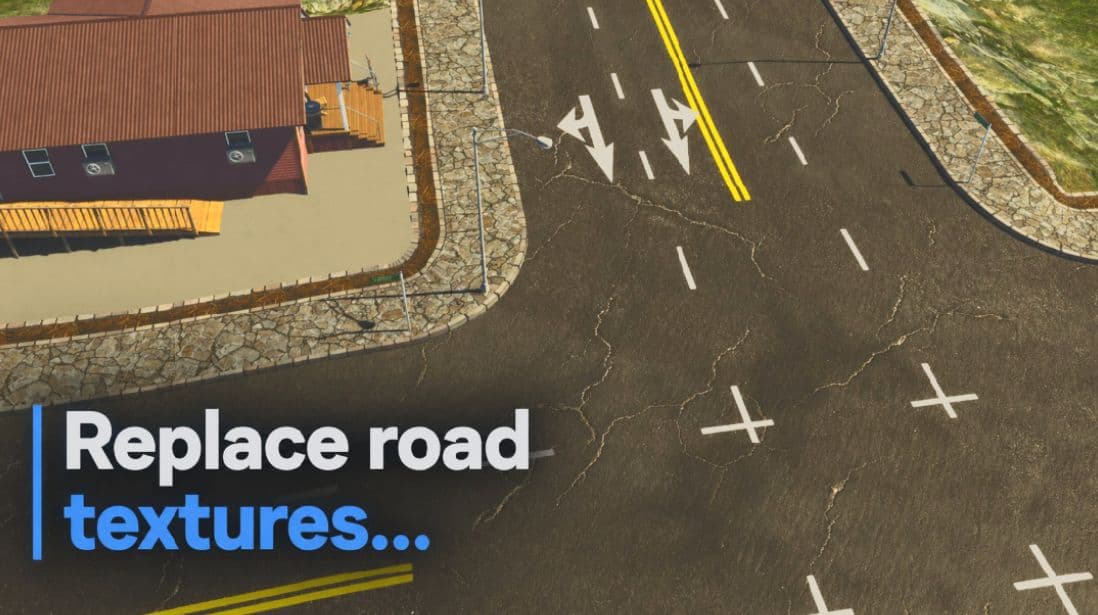
Texture Unifier lets you customize Cities: Skylines II terrain, road, sidewalk, gravel, and grass visuals from simple local texture packs.
WHAT IT DOES
Texture Unifier gives you an in-game workflow for using your own PNG/JPG textures. It does not include copyrighted, paid, or third-party texture assets.
TEXTURE PACK WORKFLOW
– Open Options > Texture Unifier.
– Press New texture folder.
– Put PNG/JPG textures in the folder that opens.
– Use the required file names, such as Road_BaseColor.png, Grass_BaseColor.png, Sidewalk_BaseColor.png, and Road_Normal.png.
BaseColor files are the colorful textures. Normal files, the pink/purple textures, are only for bump and surface detail.
Supported texture-pack slots:
– Grass base color and normal
– Dirt base color and normal
– Cliff base color and normal
– Road base color and normal
– Optional sidewalk base color and normal
– Gravel base color and normal
– Optional road-wear base color and normal
OPTIONS PAGE
– General: enable/disable, create a texture folder, open the texture folder.
– Terrain: close-up and far-away texture scale.
– Roads and More: advanced road, sidewalk, and gravel surface strength, plus optional sidewalk replacement.
– Grass: enable generated grass, adjust foliage scale, and adjust spacing.
GRASS
– Enables CS2’s hidden foliage VFX without -developerMode or the hidden developer rendering menu.
– Uses generated masks for roads, tracks, buildings, and placed surface areas.
– Uses stable away-from-sun foliage lighting.
Source availability:
– The release package includes the C# source files in a source folder so players can inspect the code while the Paradox Mods review status is still pending.
Sidewalk replacement is available as an advanced option. Enable Change sidewalks in Roads and More if you want Texture Unifier to use Sidewalk_BaseColor and Sidewalk_Normal. Turn it back off if a specific sidewalk texture does not fit CS2’s sidewalk UV layout.
Texture packs are stored locally under ModsData\TextureUnifier\Packs.