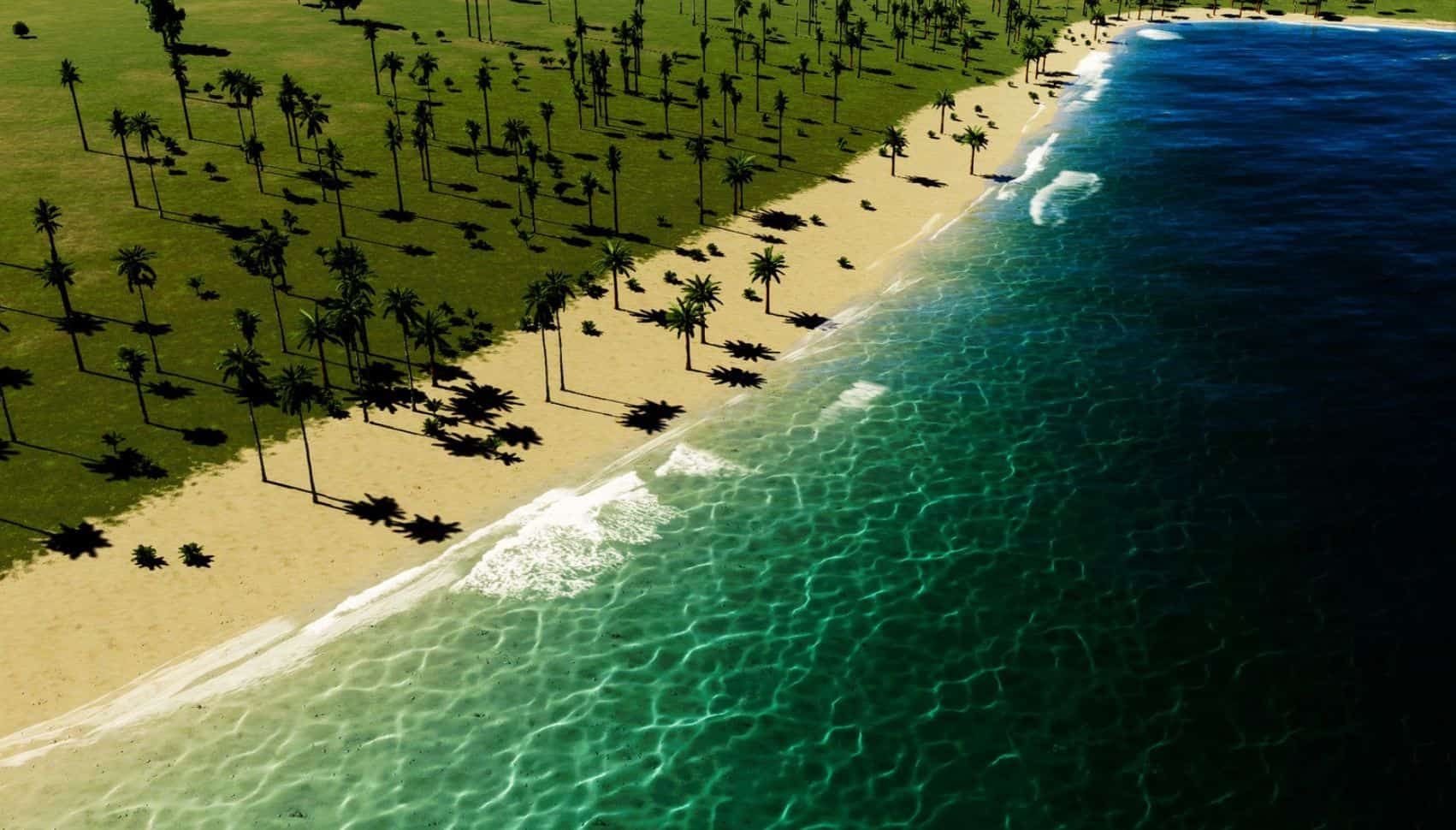
ShoreFoam v1.0
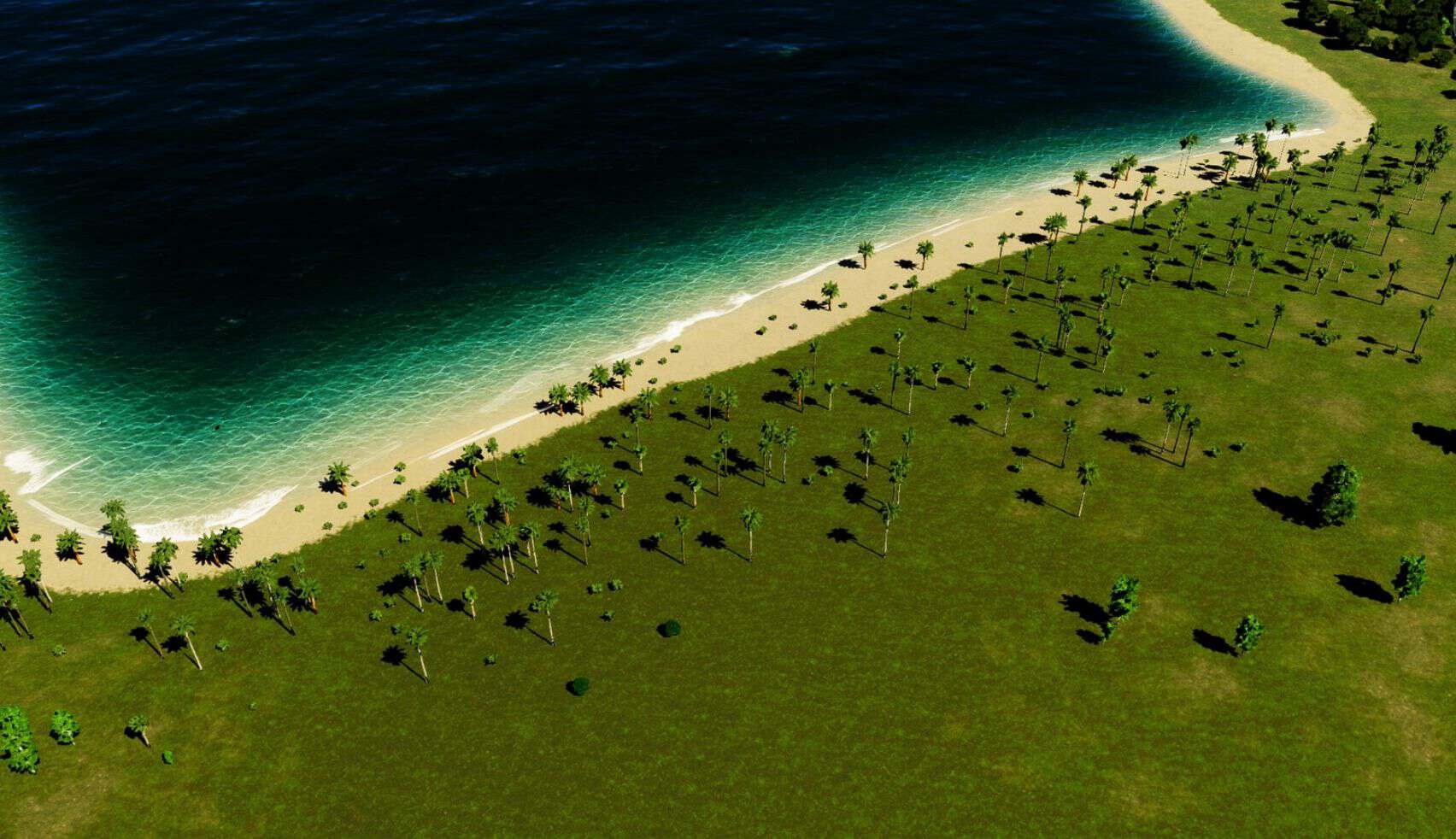
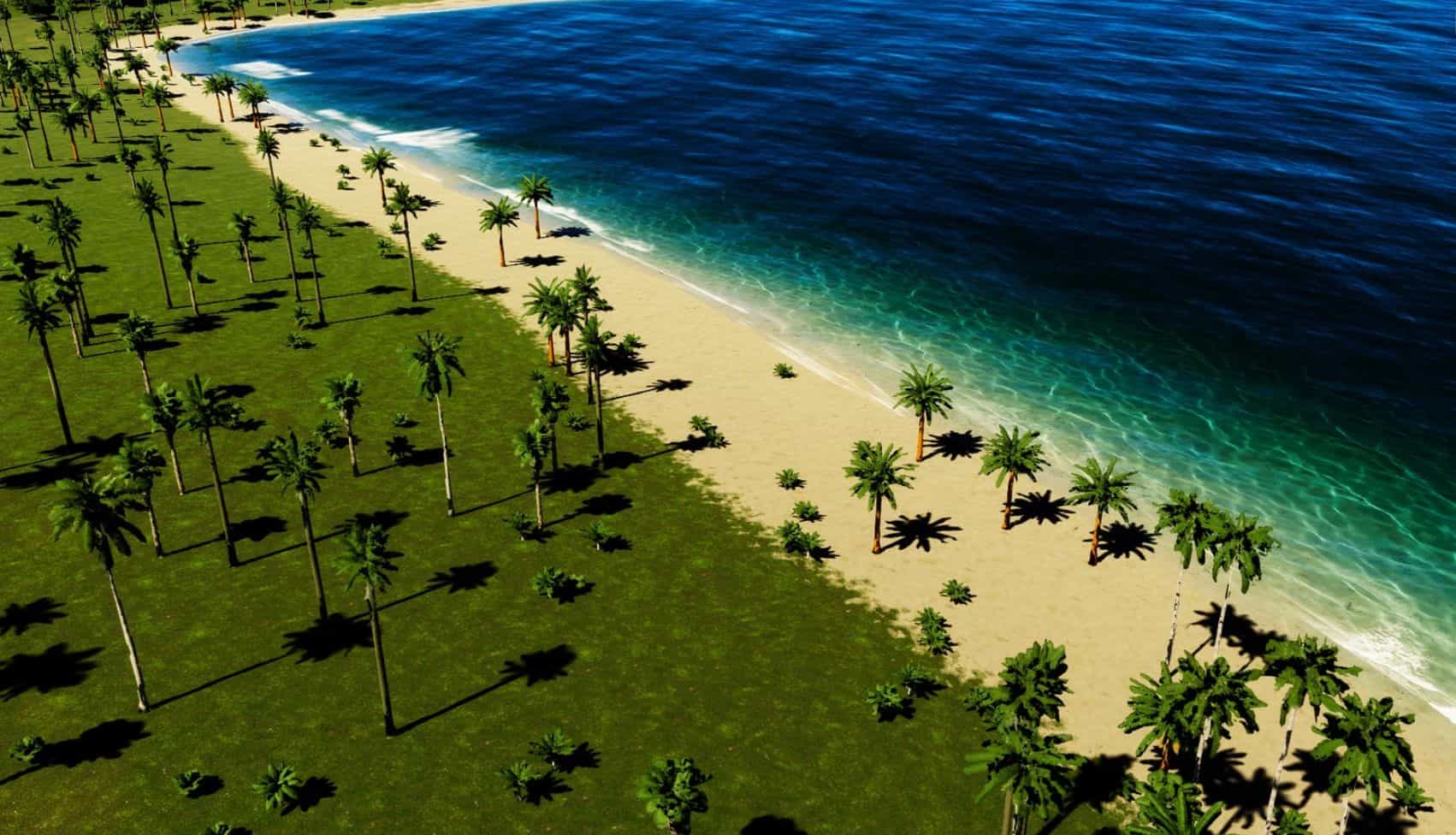
Draw animated wave foam along any shoreline. Click three points, and a curve of breaking waves appears: each wave runs up the beach, compresses as it slows, holds for a moment, then drains back out. Waves along the same curve arrive at slightly different times and angles, so the shoreline never looks like a loop.
You decide where the foam goes, including lakes, rivers and canals.
The screenshots were made using the “Sea Foam Decal Pack”.
How to use it
– Open the Universal Mod Menu at the bottom right of the screen and click the foam button.
– Click three points along the water: start, middle, end. The middle point bends the curve, so place it where the shoreline curves most.
– A dashed line previews the shape. After the third click the foam appears and starts animating right away.
To remove one, select the vanilla bulldozer and move the cursor near a curve. It lights up red when you are close enough – click to delete it.
The gear button next to the foam button opens the texture panel. Tick the textures you want new curves to use. The round button in that panel starts placement without closing it, so you can adjust and draw side by side.
Textures
ShoreFoam ships with its own procedurally generated foam textures, and it can use more:
– Your own PNGs. Drop them into AppData/LocalLow/Colossal Order/Cities Skylines II/ModsData/ShoreFoam/Textures and they appear in the panel. Any file name works. White foam on transparency, roughly 2:1, horizontally seamless.
– Decals you already have installed. If you own a foam decal pack, its textures are offered too. Nothing is copied or shipped – the mod only reads what is already on your machine, and only while the game runs.
Which decals get offered is up to you: the options page has a keyword field (default foam, wave, surf) and a list of words to exclude. Leave the keywords empty to use only your own textures.
Saving
Placed curves are stored per city in AppData/LocalLow/Colossal Order/Cities Skylines II/ModsData/ShoreFoam/Saves/[city].json and restored when you load that city. Each curve remembers the textures it was built with, so it looks the same after a reload even if you change the selection afterwards. A .bak copy of the previous state is kept.
Notes
– Curves are drawn by the mod itself, not as game objects. Move It cannot move them, and they do not appear in the vanilla object list.
– Deleting works through the bulldozer button, but the hit test is the mod’s own, running along the curve rather than around a single point.
– Available in 13 languages, English where a translation is missing.