
Anarchy v1.7.22
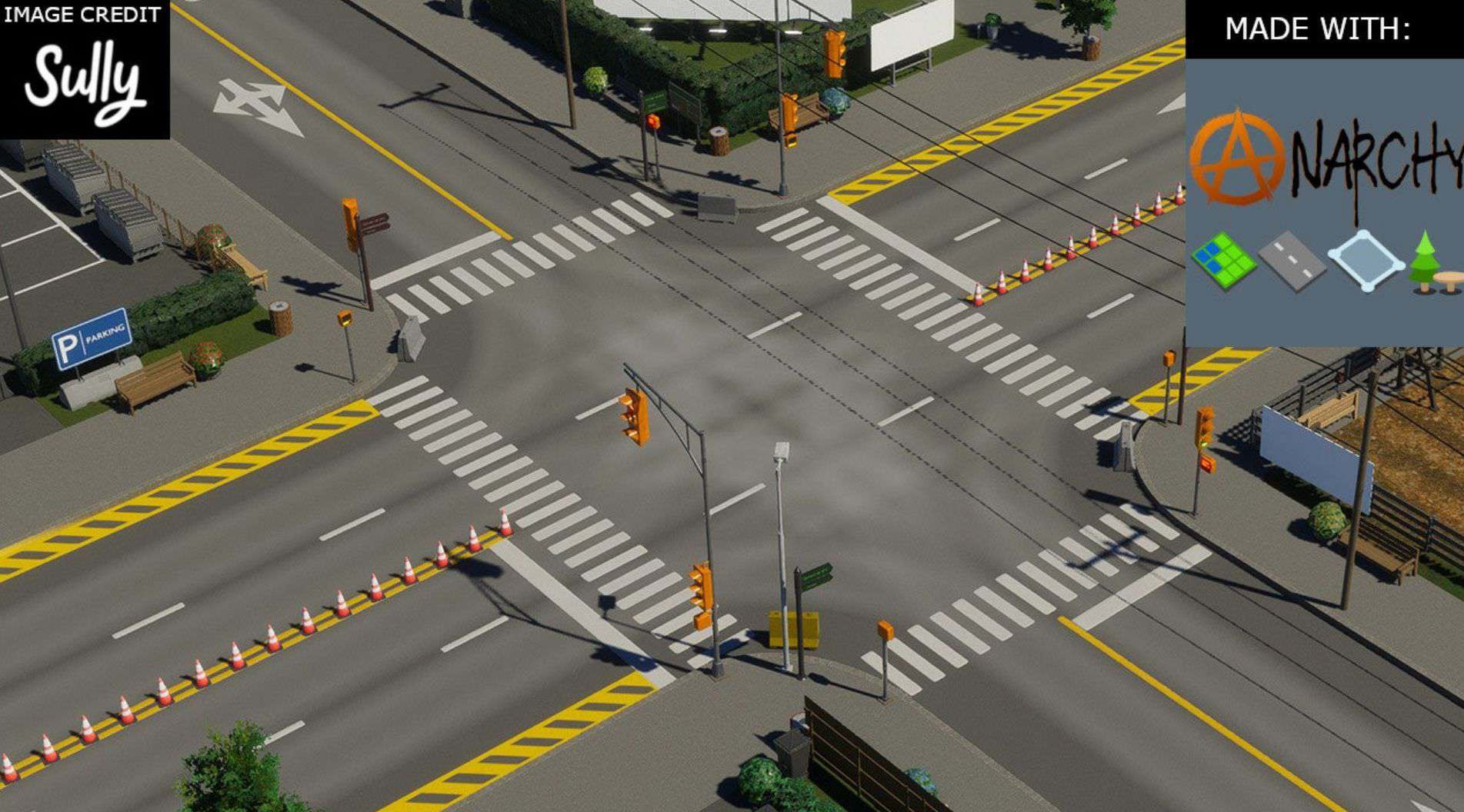
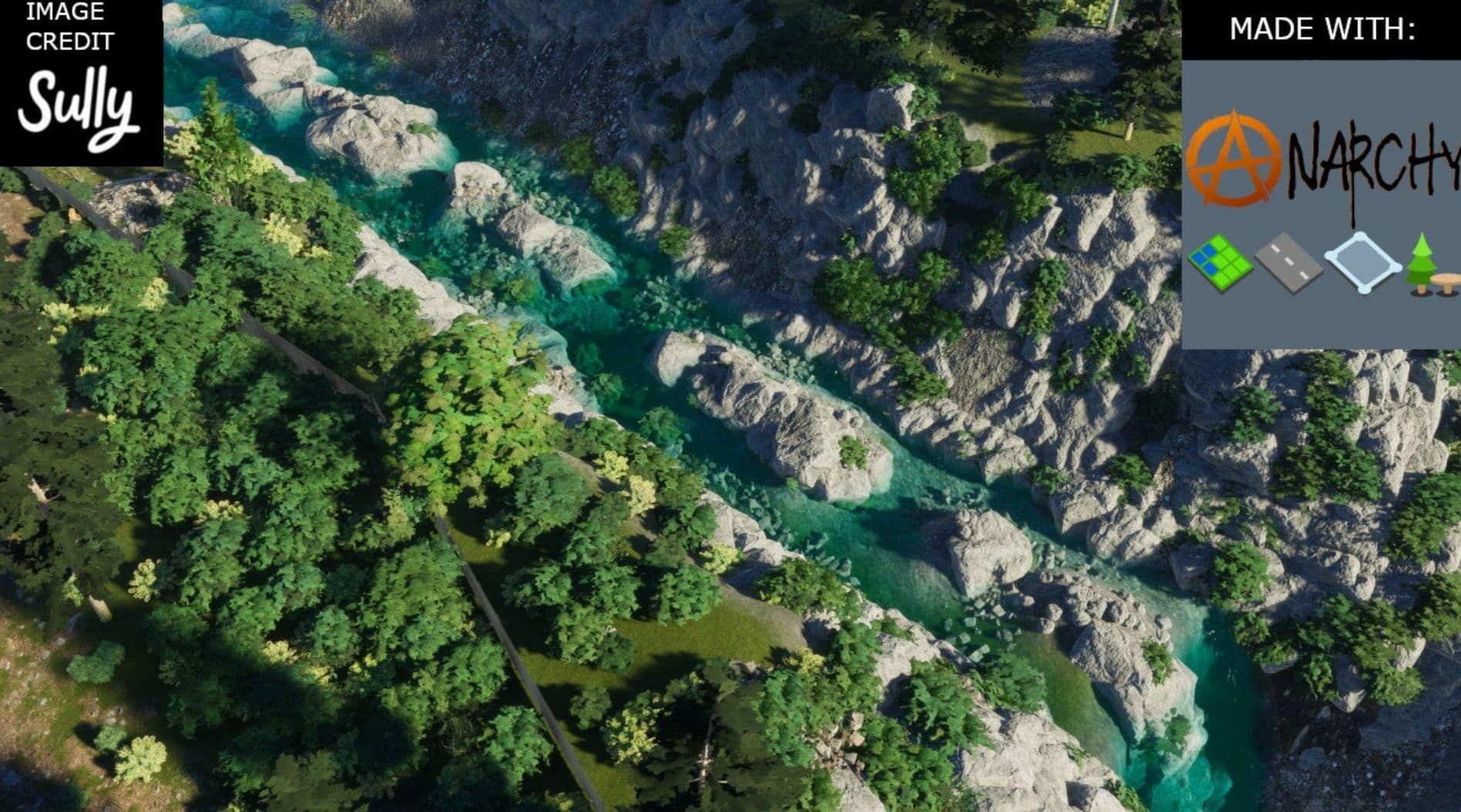
Anarchy disables error checks for tools in a way that the errors are not shown at all. This mod allows you to place vegetation and props overlapping or inside the boundaries of other objects and close together. This mod includes a network upgrades placement and replacement overhaul (quay, retaining walls, grass strips, street trees, etc.) and additional network placement options such as constant slope, force ground, force elevated, and expanded elevation range. Sully has prepared an Amazing! demo video about detailing with Anarchy on Youtube. I made a no frills demo YouTube video about network anarchy and the network upgrades overhaul.
Dependencies
Unified Icon Library
European Portuguese Localization and I18N Everywhere (Only needed for European Portuguese Translations) TranslateCS2.Mod (Only needed for other unofficial languages. Make sure to set flavor in TranslateCS2 settings.)
The mod also has:
– Optional Tool icon
– Customizable Keyboard shortcut (Default: Ctrl+A)
– Optional flaming chirper
– Option to automatically enable with bulldozer
– Optional mouse tooltip
– Opt-In Option to allow multiple copies of unique buildings using toolbar menu. Effects of multiple buildings stack!
– Option to set minimum clearance below elevated networks even while Anarchy is active in case you don’t remove the zoning under a low bridge. It would be better just to remove the zoning.
– Opt-In Option to automatically disable Anarchy toggle while brushing objects such as trees.
– Set relative Elevation with Object tool and line tool for props, trees, and plants. (Options to disable and automatically reset elevation) Keybinds are Configurable. alt + r -> reset elevation to 0, alt + e -> change elevation step. Increase and decrease elevation by default matches vanilla keybind but doesn’t work with some snapping options from EDT.
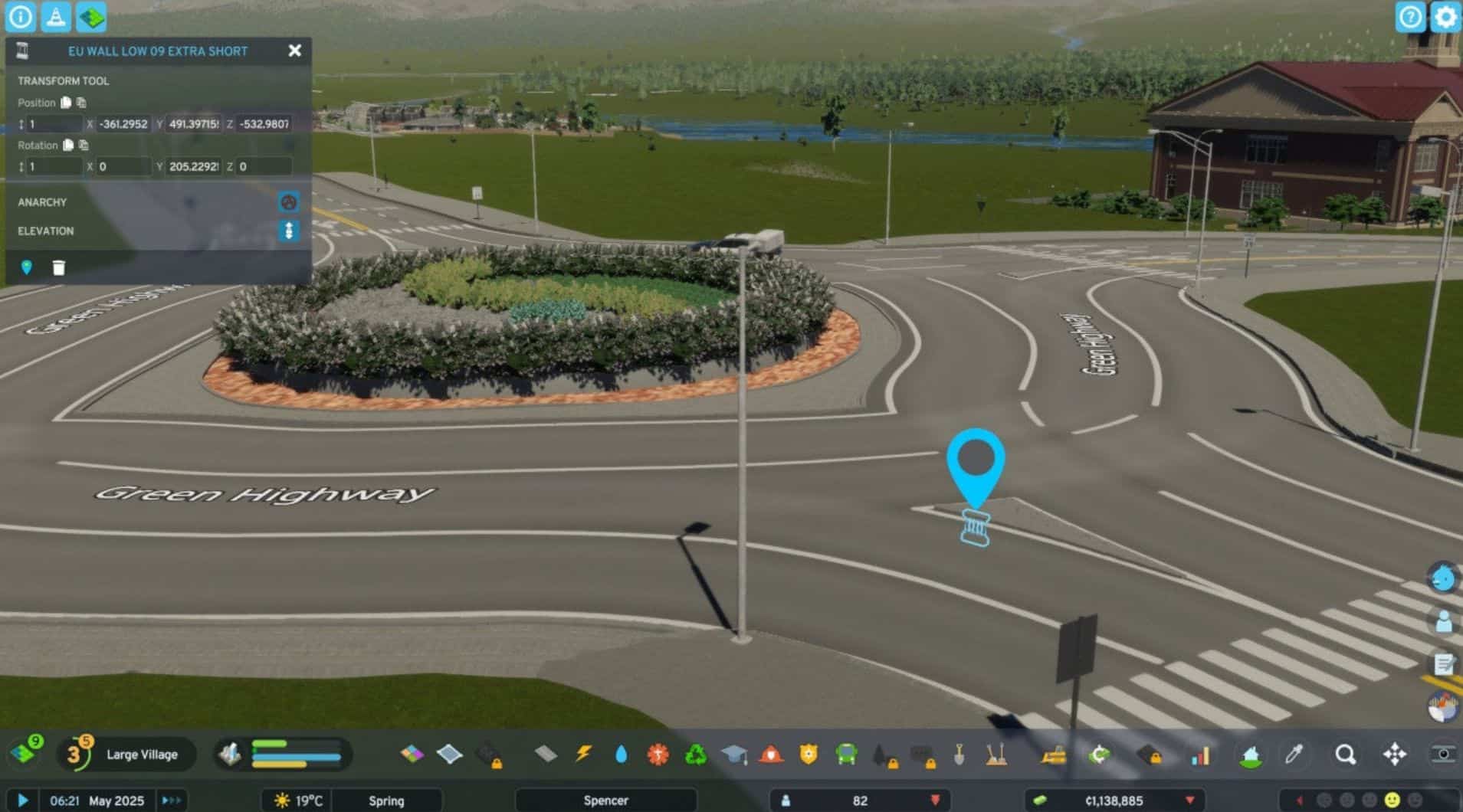
– Transform Lock to prevent game systems from changing position of props, trees, plants, and decals. You can still change position with mods.
– Anarchy and Transform Lock can be added or removed after placement via the selected info panel.
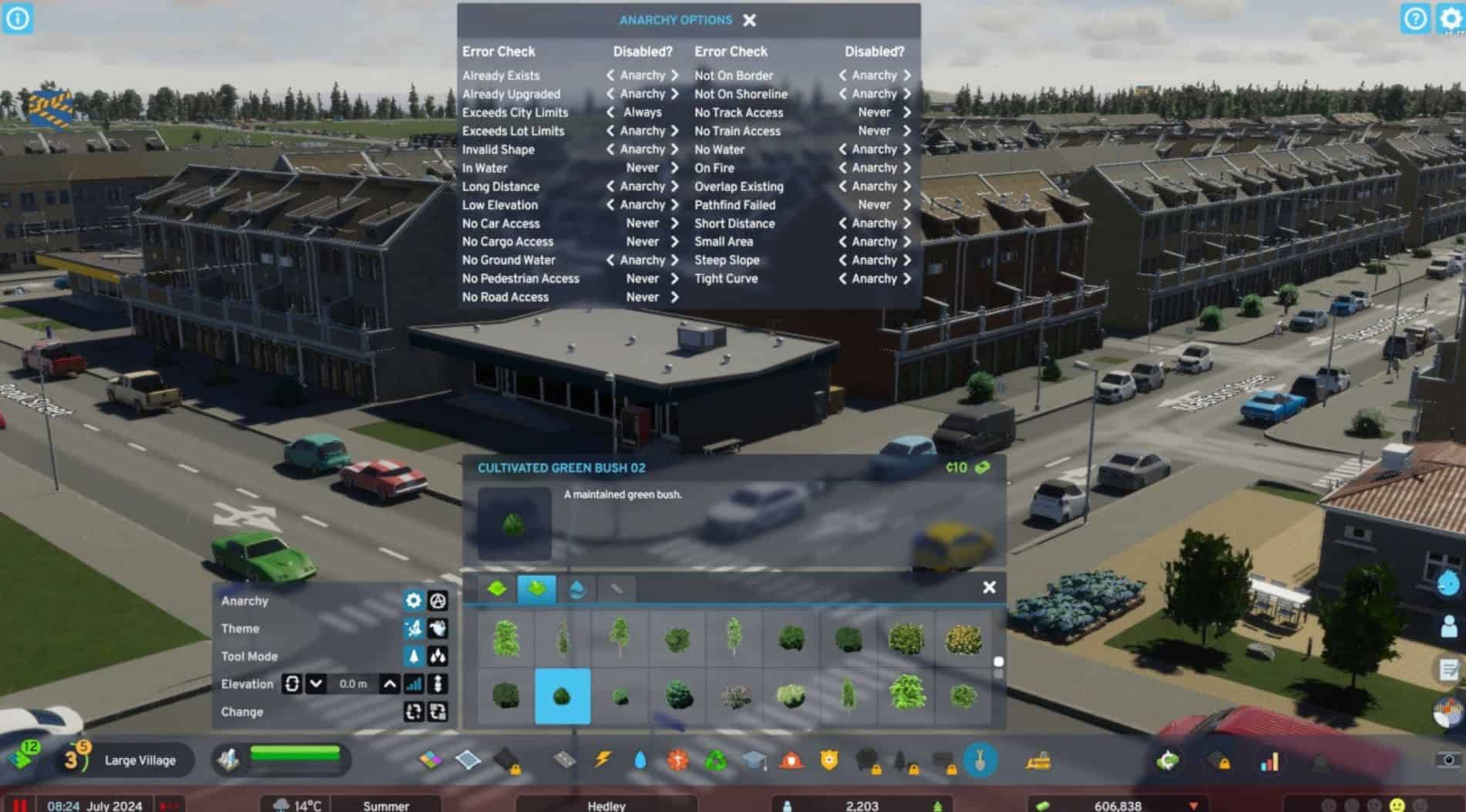
– In Game panel for controlling which error checks are never disabled, disabled with Anarchy, or always disabled.
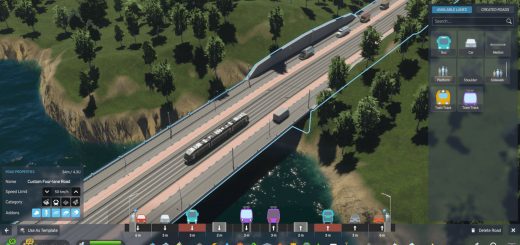
– Optional Network Anarchy options: constant slope, force ground, force elevated, force tunnel (if needed, looks undesirable), and expanded elevation range.
– Optional Network upgrades overhaul that lets you apply network upgrades left, right, or general during placement or replacement. Includes retaining walls, quays, trees, grass, wide sidewalks, medians, etc.
– Optional Elevation Step slider.
– Anarchy Components tool for quickly adding or removing Anarchy and Transform Lock components from applicable objects. Radius selection is recommended for Anarchy component since you can see and interact with overriden (invisible) objects and bring them back to normal.
– Optional Network upgrades assets: Originally part of Extended Road Upgrades and included here with permission from ST-Apps. This option adds Retaining Wall, Quay, Elevated, and Tunnel assets to vanilla menu for asset selection. This mod includes multiple fixes to issues from ERU.
Currently it applies to these tools:
– Object Tool (Option to automatically disable Anarchy toggle while brushing objects. and Set relative elevation while plopping single item, brushing, line and curve mode.)
– Net Tool (While using the net tool Anarchy will now let you violate the clearance of other networks. I don’t recommend having zoning under low bridges.)
– Area Tool (Can exceed limits for specialized industry areas)
– Bulldoze Tool (Option to default Anarchy to ON when activated)
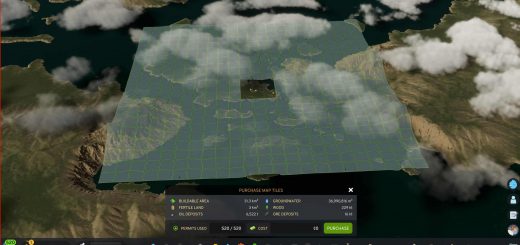
– Terrain Tool (Cross the line within playable area.)
– Upgrade Tool
– Line Tool by Algernon (Set relative elevation).
You can activate anarchy with the Customizable Keyboard shortcut (Default: Ctrl+A) or with the optional tool icon that only appears while using the above tools.
You can tell anarchy is active using optional Flaming Chirper, the tool icon, or a tooltip.
Almost all error checks in the game can be set to never be disabled, disabled with Anarchy toggle, or always disabled via a new in-game panel. You can open the panel using the gear icon button next to the Anarchy Icon in the tool options panel.
Some suggestions would be to Always enable “Exceeds City Limit” so you can always have cross the line functionality, and set “In Water” to never disable so that trees don’t end up in the water if you don’t want that.
Some of the error checks that can be disabled are opt-in. Those generally deal with pathfinding related issues.
Props and Trees
With Anarchy enabled, you can place props and trees overlapping or inside the boundaries of buildings, nets, areas, other trees, other props, etc. Props and trees placed with Anarchy enabled cannot be overriden later (even if later Anarchy is disabled), but can be removed with bulldozer or brush.
Props overlapping with buildings or nets may sometimes be culled by the game, and disappear until reloading or something interacts with or near them. The mod has an option to routinely refresh props that were culled so they don’t disappear. This should not significantly impact performance anymore but you can still disable it or adjust the frequency. You can also manually trigger a prop refresh using a button in the options menu.
Pro tip: Use the brush mode to remove trees and standalone props. If you unselect the brush snapping option for “Remove only matching type”, and right click you can remove them within a radius and it only targets standalone props and trees.
Disclaimer
This mod does NOT allow you to do everything including:
– If the vanilla net tool would remove an existing network, it will still do that.
– Even if the mod disables the error check, the UI may still prevent you from doing something.
– Not much testing is done on the effects of this mod on maps created using the unfinished editor.
– Retaining walls and tunnels even in Vanilla can have clipping issues that let you see through the terrain.
– If the net tool locks up and you cannot create any networks, change to the zoning tool and zone something. Hopefully this bug is uncommon and that I can fix it at some point.
Please save frequently, in multiple files, and learn to use responsibly.