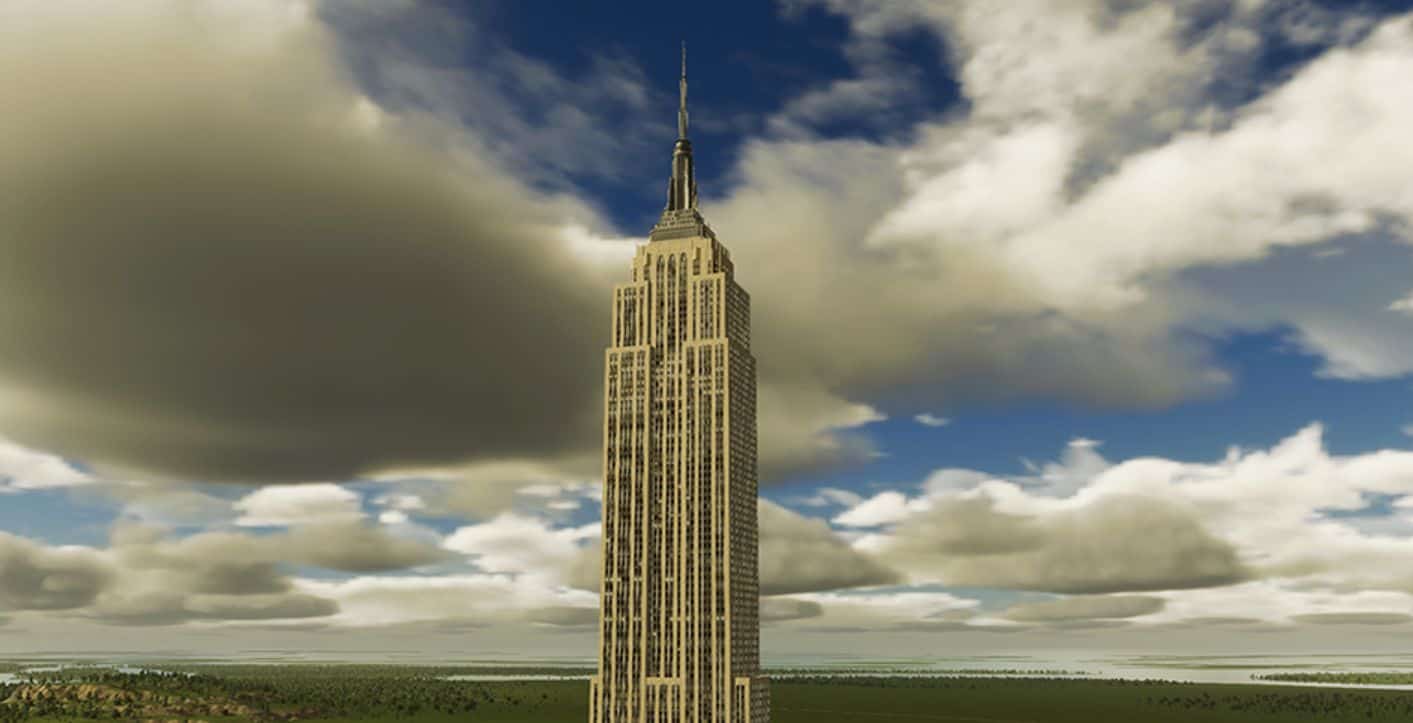
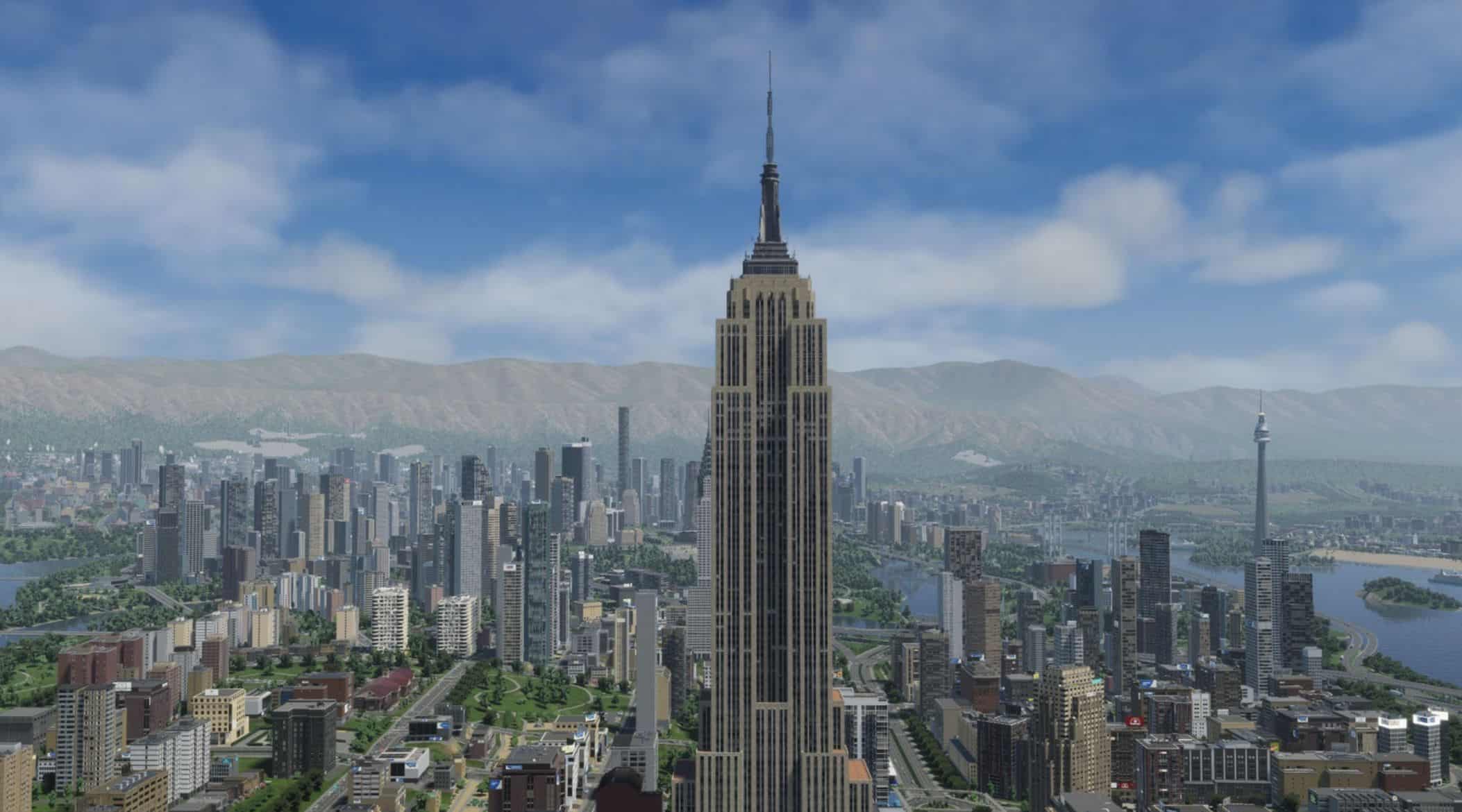
Empire State Building v1
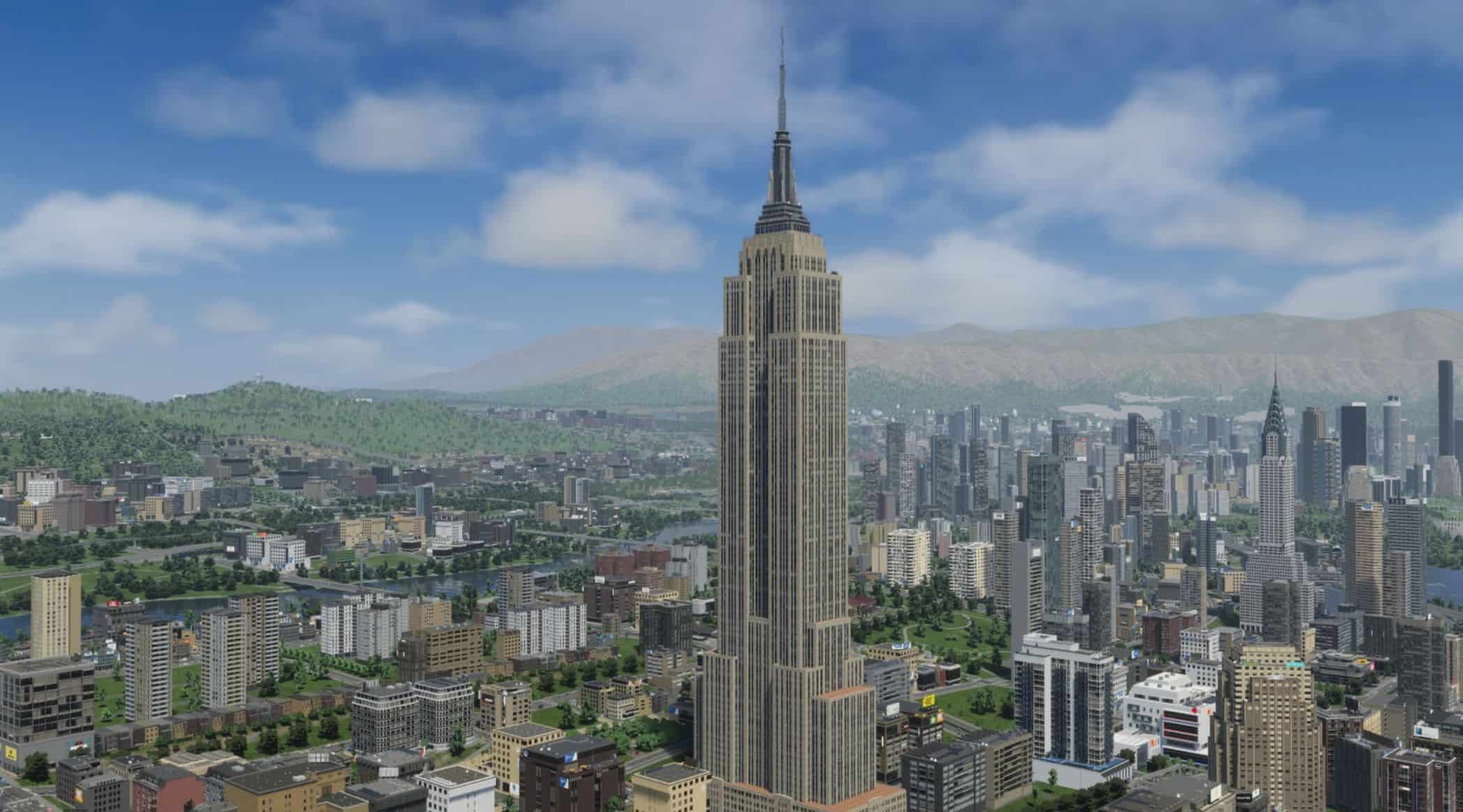
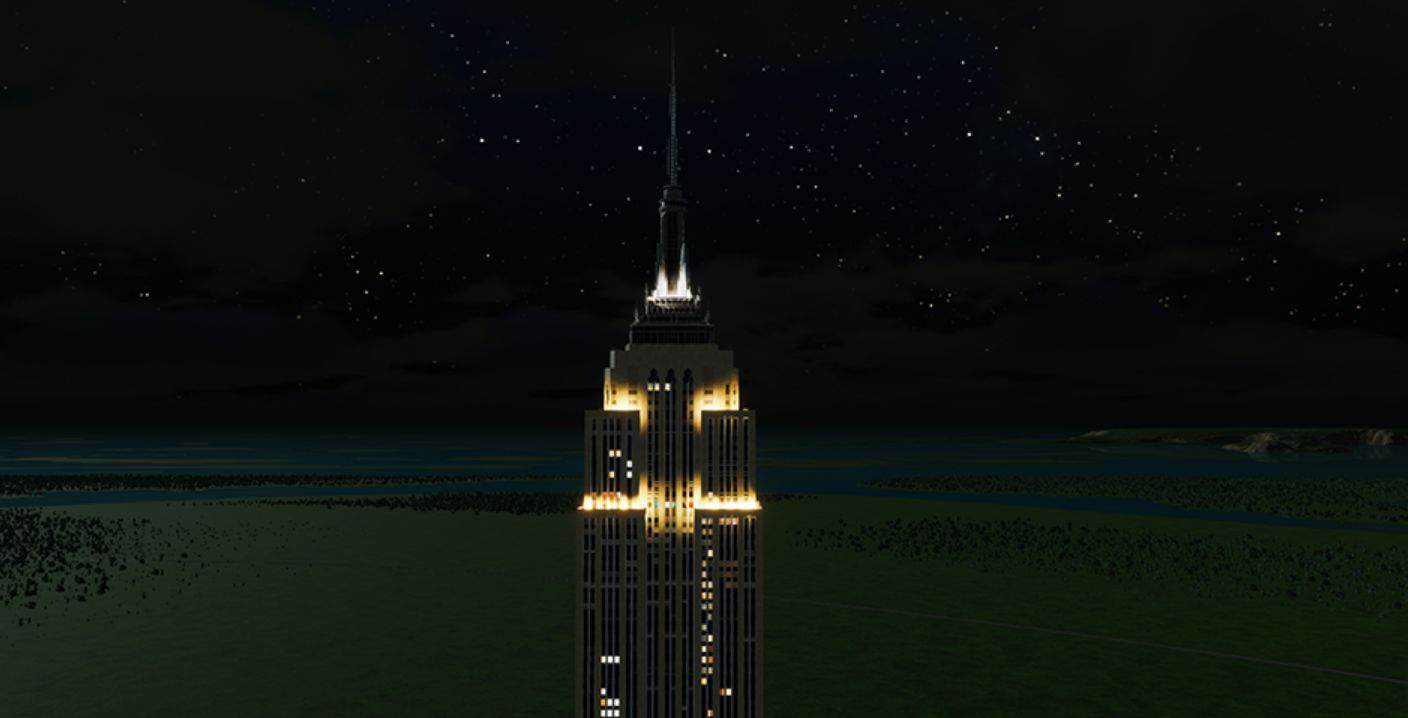
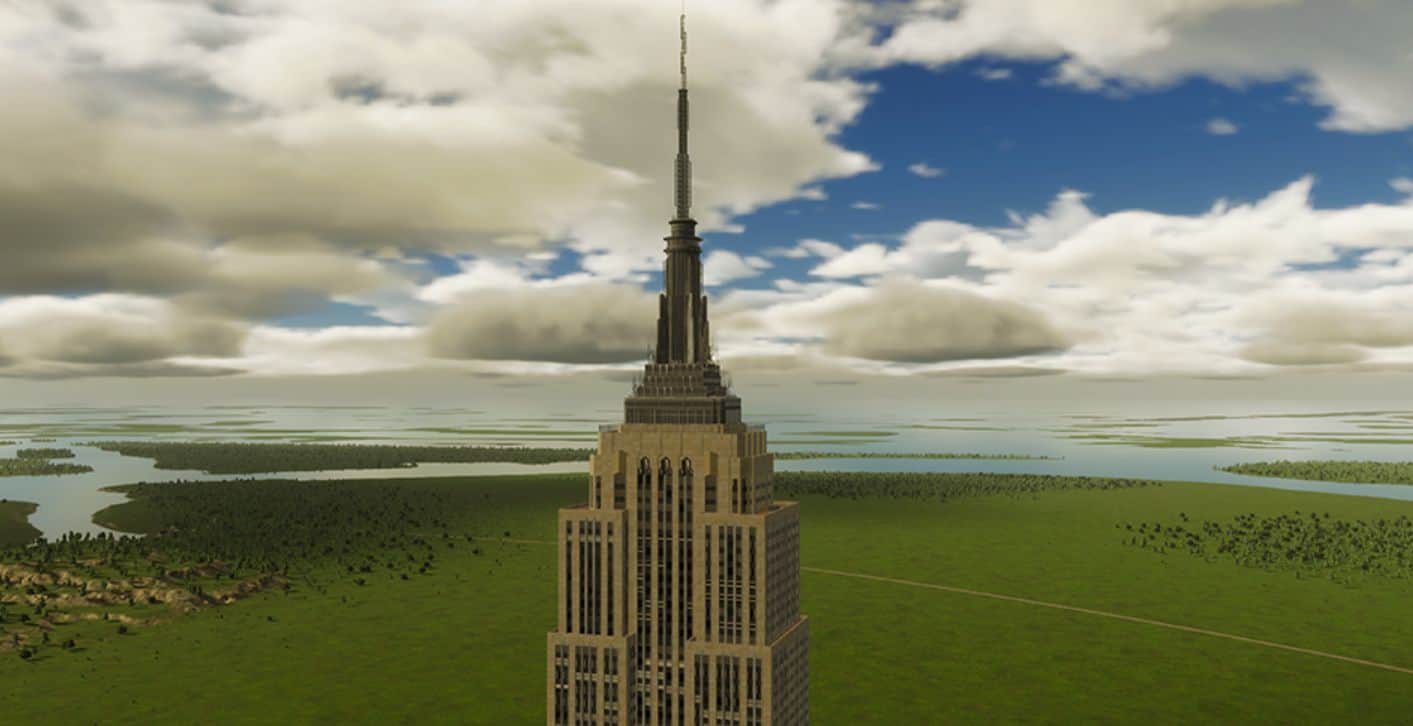
The Empire State Building is a classic skyscraper located in Midtown Manhattan, New York, USA, and one of the iconic works of 20th‑century architectural engineering. Construction began in 1930 and was completed in 1931. For nearly 40 years after its completion, it held the title of the world’s tallest building, becoming an urban symbol of New York and the United States. Standing at approximately 443 meters tall including its antenna, the building is designed in the Art Deco style, with a simple and dignified appearance and straight, powerful lines, combining classical aesthetics with the structural strength of the industrial era. It integrates office space, observation decks, and commercial facilities. The top-floor observation deck offers a 360‑degree panoramic view of New York City, making it one of the most famous high‑altitude attractions in the world. A marvel of engineering rapidly built during the Great Depression, the Empire State Building witnessed the leap in urban development and architectural technology in the United States. Today, it is not only an important commercial and tourist landmark but also a designated U.S. National Historic Landmark. With its timeless charm, it remains an irreplaceable classic symbol of the modern urban skyline.